
Codes
No public Squishy Tower Roblox codes as of 7 Sep 2026. Empty list, how we verify, and where future drops appear.
View all CodesASMR tower obby codes, floor guides, badges, and hard-mode tips for Squishy Tower on Roblox.
Fan wiki for Squishy Tower on Roblox: codes, floor walkthroughs, badges, hard mode tips, and ASMR climb guides.
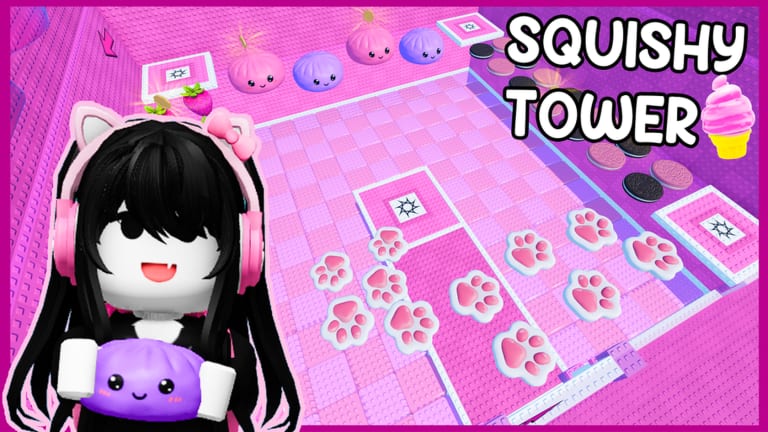
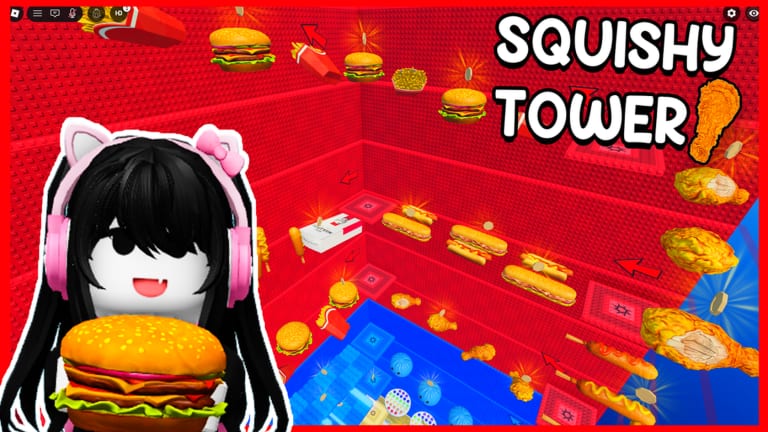
Squishy Tower is a free Roblox tower obby by Aru Games, the group owned by uwucutesingle. You climb themed ASMR floors (paws, keyboards, dumplings, cheese, bananas, hamburgers, and more), collect coins, and chase wins on public servers of up to 50 players. Start with the getting started guide, redeem anything listed on codes, then use the floor tier list and how to beat pages when a stage stalls you. Badge hunters should open badges and wins.
No public Squishy Tower Roblox codes as of 7 Sep 2026. Empty list, how we verify, and where future drops appear.
View all CodesSquishy Tower walkthroughs: first floors, controls, checkpoints, hard mode, coins, ASMR sound, and mobile climbs.
View all GuidesCommunity ranking rules for Squishy Tower floors: consistency, wipe risk, sound distraction, and checkpoint spacing.
View all Tier ListTrack Squishy Tower badges, wins, and rare developer meetings on public servers where every climb stays independent.
View all PlayersHow this wiki tracks Squishy Tower patches using the Roblox updated timestamp and uwucutesingle creator streams.
View all UpdatesSquishy Tower scripts hub: four universal or Needoh-genre tools, loadstrings, and why none are place-specific.
View all ScriptsWiki tools for Squishy Tower: a static floor checklist and climb planner you tick after each checkpoint you reach.
View all ToolsOfficial Squishy Tower Roblox links: experience page, Aru Games group, uwucutesingle profile, and this fan wiki map.
View all LinksOpen Squishy Tower on Roblox (place 97094215282943), land on the spawn checkpoint, and turn sound on so every squishy floor actually plays. Follow the getting started route before you hunt optional coins.
Read controls once and keep sound and ASMR in mind. Most wipes are early jumps on sinking Needohs, not missing a secret. Stay off kill bricks hidden under squishies and use the checkpoint reset instead of respawning from the lobby.
Aru Games has not posted public promo codes yet. Still open the codes hub and the how to redeem steps so you are ready when a stream drop lands. Then start the how to beat walkthrough.
Mark floors you already cleared on the floor checklist, compare them with the floor tier list, and only touch scripts after reading the safety notes.
Quick answers to the most common Squishy Tower questions.
Play the experience, then follow the getting started guide. Claim anything listed on codes and keep the floor tier list nearby for the louder stages.
No public codes are active as of September 2026. The codes page stays empty on purpose so we never list leftovers from other squishy games. Watch uwucutesingle streams and the Aru Games group for the first drop.
No. Squishy Tower is Aru Games' own tower, inspired by Needoh Tower and Needoh Gear Tower. Floors, sounds, coins, and badges are unique. Do not redeem Needoh Tower codes here.
This wiki is in English, French, German, Spanish, and Brazilian Portuguese. Use the two-letter language switcher at the top right to change the interface and every guide.
No. squishytower.wiki is a fan resource. Confirm codes, group perks, and patch notes on the Roblox experience page and Aru Games channels before you spend Robux.
Yes, on public servers (up to 50 players) or by joining the same instance. Climbs are independent; nobody has to wait for your jump. See players for badges you can show off after a shared session.
Use the getting started guide for your first climb, check codes before you jump, and keep the floor checklist open when a themed stage gets loud.
Open the beginner guide